
The Emacsification of Software
You want a good Markdown viewer more than you think you do.
We’re all reading a ton of Markdown. It’s been the lingua franca of software development since long before LLMs. But now agents have led us into a cursed renaissance of TUI tooling, and the reading experience has become intolerable. I’m certain that at least 14% of the agita about AI code is driven by exhaustion over incessantly scrolling terminal Markdown.
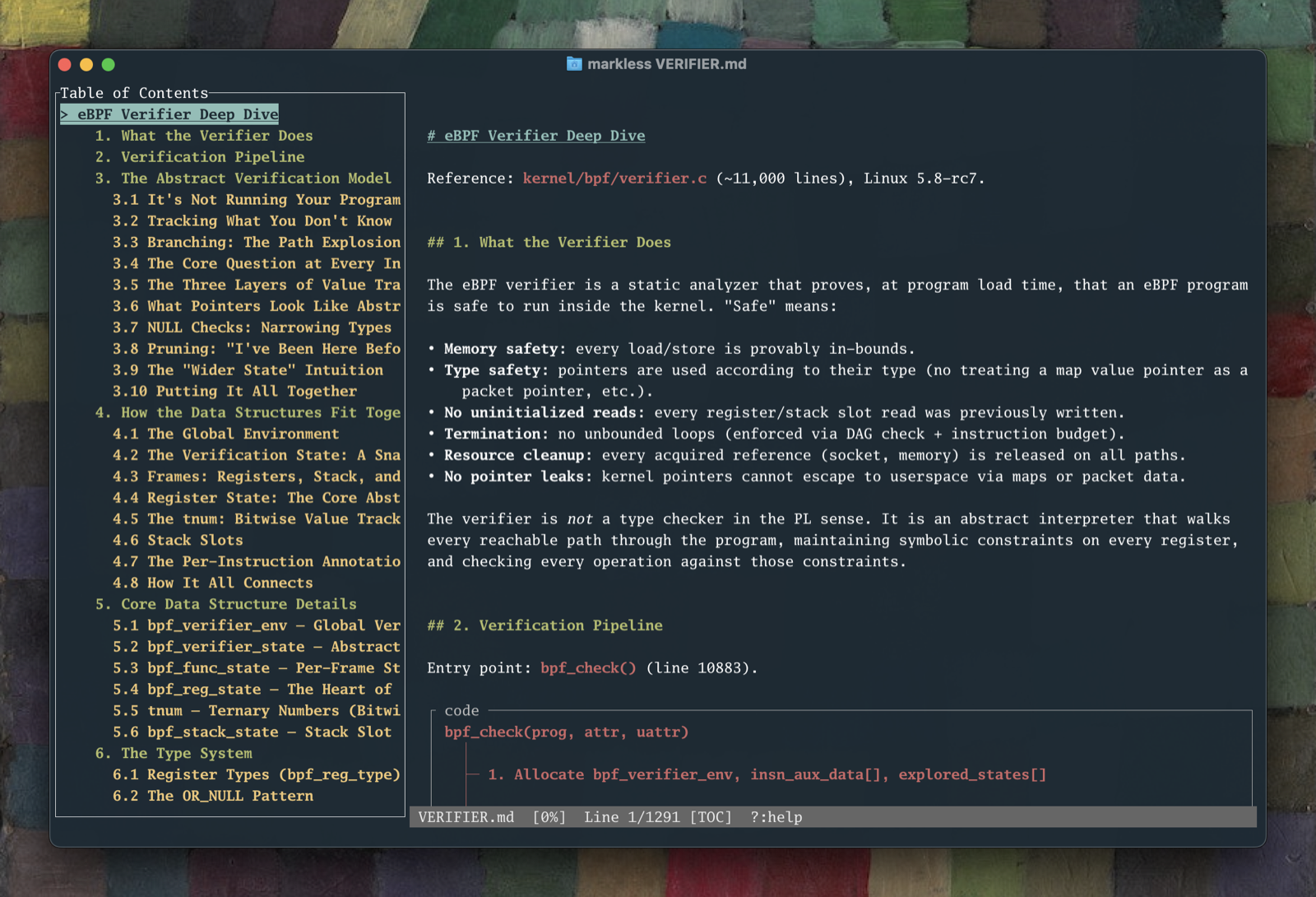
There are good TUI Markdown viewers. The Charm folks built glow, which I used & enjoyed. My friend Josh built Markless, which is handsome and bristling with features, most notably a table-of-contents nav. These tools are great. But they’re hamstrung by the terminal itself, which is almost always monospaced and thus fatiguing to read.
There are good graphical UI Markdown editors. On macOS, where I live, there’s Obsidian, Typora, and Bear, my personal daily driver. Native UI Markdown editors are attractive and legible. Good reading experiences. But they’re editors. My editors live in particular virtual desktops, with windows arranged just-so, and it drives me up a fucking wall when I click a random .md file and it messes with my editing environment.
So I took a trip to the App Store, where there are in fact Markdown viewers. They’re fine-ish. None of them were good. All I want is for something sane to happen when I double click a .md file, and the viewers you can grab off the App Store do at first seem sane. It’s only after you live with them for a bit that the problems become apparent. Several of them lack text search. Some have in-app purchases(?!). I settled on one, only to discover a couple days later that it didn’t support copying text into the paste buffer. At that point, I was done.
Suddenly, I realized: a good Markdown viewer was a dumb thing to waste time looking for. It’s 2026. I can just have one extruded for me.
❦
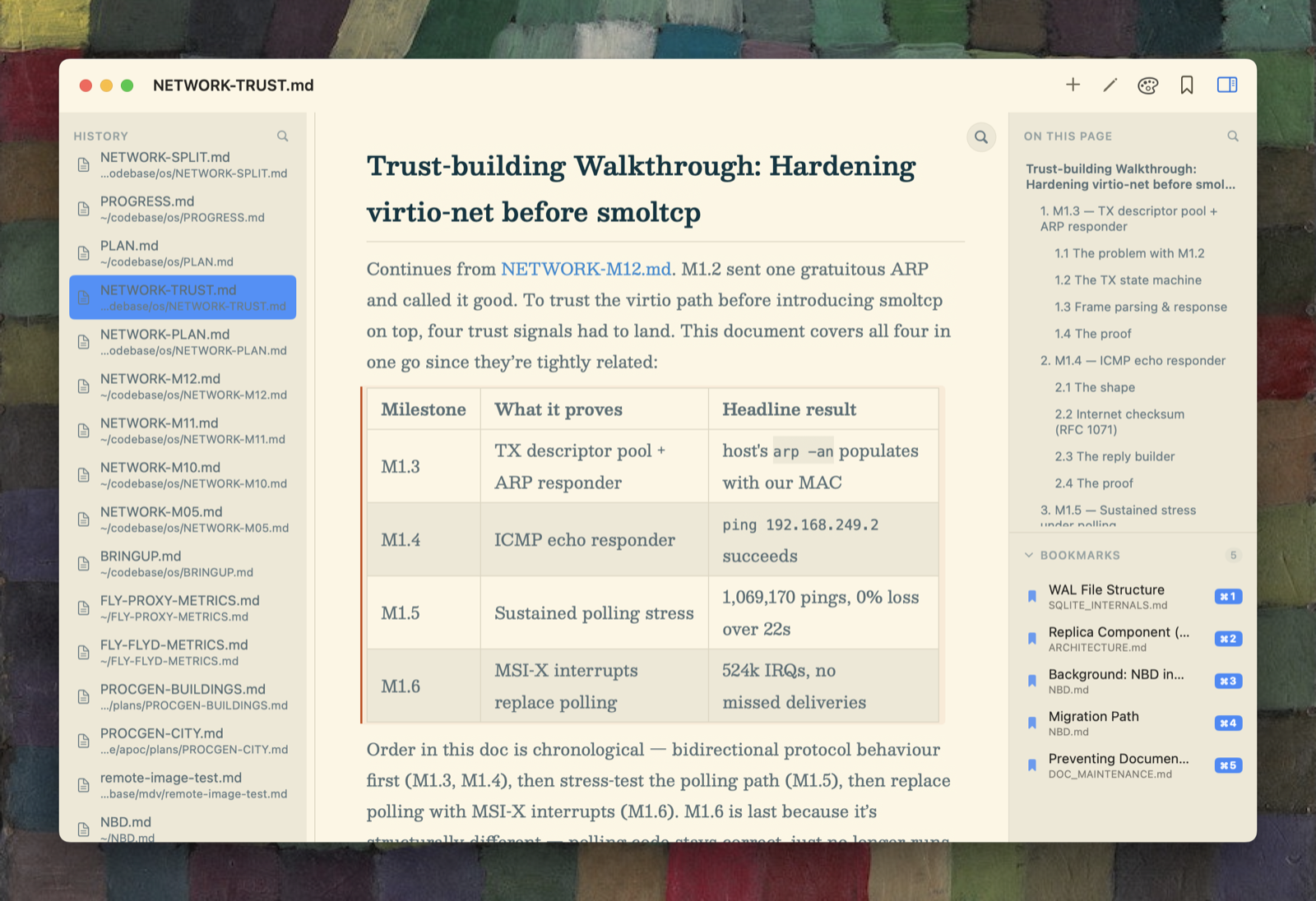
It took several hours to generate a better Markdown viewer than I could find on the App Store, but only about 30 minutes of that was interactive. The rest of it was spent yelling about zoning reform on Facebook while Claude chugged away. Behold, MDV.app:
Now, I’m cheating a little bit with that timeline, because I’d done some preparation weeks before. I recruited an old Macbook to run Claude on. I set up Xcode and git. I got Claude configured, and tracked down some Swift and macOS design skills. But the viewer itself, to a viable state, better than what was on the app store: about 30 minutes.
MDV isn’t the best macOS application ever built. Or even a particularly competent piece of software (although: it might well be the best dedicated macOS Markdown viewer). But it has improved my quality of life immensely.
It does all sorts of cool things. Claude and I have cracked the code on selecting and copying text out of documents, and on finding fixed strings inside of them. Also: MDV keeps a SQLite FTS index of all the Markdown files in its (editable) history, along with hot-keyed bookmarks and a table-of-contents nav. It remembers my place, across restarts, in documents as I toggle between them. And it has fussy color themes and decent typography, which is the most important feature a dedicated Markdown viewer can have. All this stuff just works now, any time I click a .md. It’s great.
❦
Here’s how I know this is a big deal: because every time someone sends me a Signal message, my screen flickers. It doesn’t stop until I explicitly hide the Signal app, which I always forget to do until I’ve been driven 30% of the way to a migraine by subtle flickering.
This is happening because Signal is an Electron app, which means that even though it looks like a native macOS app, it’s not. It’s a whole-ass copy of Chromium rendering a secret web page. It shares this property with virtually every UI app shipped in the last 10 years, each of which carries its own flickering copy of Chromium.
Electron isn’t good. But it’s always been good enough. Building real native user interfaces has historically been a difficult problem, beginning with finding even replacement-level talent to do the work. Capable macOS native UI developers are rare birds.
But Claude isn’t just a replacement-level SwiftUI developer. Claude is actually good.
❦
This isn’t a post about the impending death of Electron (if only). It’s also not about getting you to use my awesome Markdown viewer which is trivially easy to install and better than any viewer on the app store and you should definitely use it.
Actually, no! Stop. Don’t install it. Treat my awesome Markdown viewer, which is awesome, in the same way an Emacs user treats a particularly shiny .emacs. Steal the idea and make a better one.
For those unfamiliar, here’s how Emacs culture works: its lifers build whole applications in elisp (one of the world’s great awful languages). These “applications” are always started to scratch a personal itch related to text editing, and invariably expand in ambition and scope past any reasonable boundaries of what text editors should do. If you look at /r/emacs, it’s 0% Product Hunt, 100% show-and-tell.
There are popular elisp packages lots of people use. But except for Magit, nerds are alarmingly apt to replace them with their own shinier versions (and then to show them off, transitioning to the spore-forming phase of the elisp lifecycle). Everything in Emacs is malleable.
Until now, the Achilles heel of Emacs culture has been that, except for Magit, its packages tend to be wretched user experiences. Ugly, slow, and discoverable only after inflicting years of elisp cortical injuries on yourself.
But AI agents have fracked Emacs culture, and it’s leaking out into the wider world. Given access to a screen and inputs, agents reliably build native user interfaces. Native UI was the province of professionally packaged programs. Now it’s all as bespoke as your editor configuration. And, while I’m sure there’s an upper limit to how good those interfaces can be (with current frontier models), that ceiling is higher than anything you can do in a TUI.
❦
What does it mean for software to be Emacsified? Let’s get into it.
First, it’s personal software. Most of it will be useful only to its creator, and then forgotten, just like the dozens of obsolete little elisp programs littering my .emacs. Personal software defines the ethos of Emacs, which was carefully designed over decades to nurture these kinds of tools. “Emacsification” clocks that everything now works this way, not just baroque text editors.
Still, every once in a while, one of these programs will escape containment. It’ll be useful enough for more than one person to install. But even then, the released artifact won’t be the most important thing about it. The source code won’t be either. If an agent wrote all the SwiftUI code in my project, what do you have to gain from closely reading it?
I’m probably only a little bit right about this, but I think a significant driver of new Emacs packages is a catalytic reaction between your messy local configuration and everyone else’s elisp code. Once you know how to get things done in elisp, it can be easier to build your own solution than to package-install an existing one. In that kind of environment, the code is of passing interest. What matters are the ideas, the observation that “yeah, you can do that, and it’ll work well”.
For the kinds of software I’m talking about, you want the prompts more than you want the source code.
If you’re a nerd comfortable with the idea of rolling your own software, everything is now programmable, not merely in a technical sense but a practical one. And that gets to a feeling I think a lot of people have when creating software with agents: what does it mean to say you’re “building” it? “Building” implies more effort than you’re expending. What you’re doing feels a lot more like configuring, on a platform that has suddenly become vastly more configurable. A platform that feels a lot more like Emacs.
❦
The first thing an AI-pilled developer tells you after taking the plunge is how they’re finally finishing all the random side projects they’d collected over the years.
That was an exciting prospect on its own. But it is now also the case that those things, hyperspecific as they might be, can also be pleasant to use. It’s not lost on me the irony of Emacsification undercutting many of the arguments for putting up with Emacs itself, and its janky user interfaces. Magit is still the best thing going. For now.
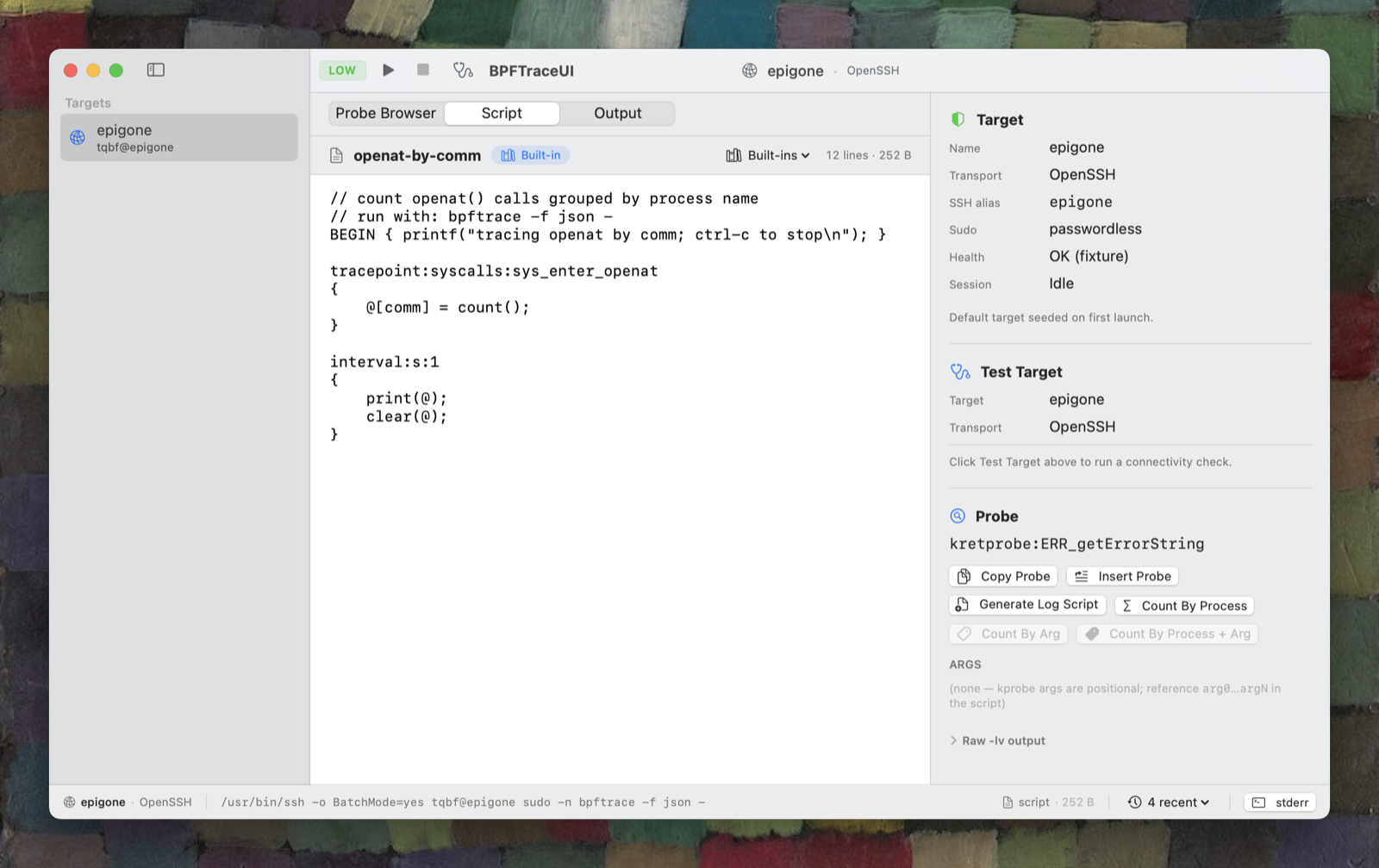
I don’t have a grand pronouncement to offer about the Future of Software. But I’m pretty sure nerd software is going to get a lot more interesting. How many clanky terminal apps can we drastically (and easily) improve? I’ll finally be able to understand iostat! Across a fleet of hosts, even. And bpftrace! Have you seen the shit Brendan Gregg had to put up with to do terminal visualizations from bpftrace? You don’t have to put up with any of this anymore. In fact, neither do I.
I’m a vulnerability researcher, and I’ve been like a kid in the candy shop for the first half of 2026 with all the exploit development breakthroughs in agent coding. But I understand that makes me a weirdo, and that for most of you all that comes with those advancements is dread.
So I’m glad to have something new to talk about that actually feels like an unalloyed good. Building native UI is now fun; a lot more fun than building web interfaces ever was. Give it a shot; make something stupidly specific to your own problems, enjoy it for a little while, and then share it somewhere — or, better yet, just a screenshot and the prompts you used to make it.